
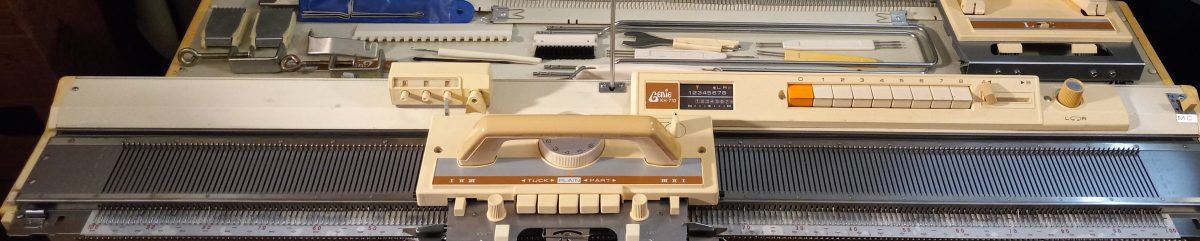
These unique knitting machines, Brother KH800 and KH801, make it super easy to make punch cards and knit various patterns.
However, as I started to explore the steps on how to knit these various patterns, I discovered that the manual does not really present all the steps clearly, especially for the two-color fair isle knitting. So, a combination of researching manuals of similarly (with a ratchet) working push-button machines and my own trial & error, will be presented to you below as an attempt to ease up your learning of how to operate these wonderful machines. I also made a video of how I knitted a fair isle on my own Brother KH800 machine.
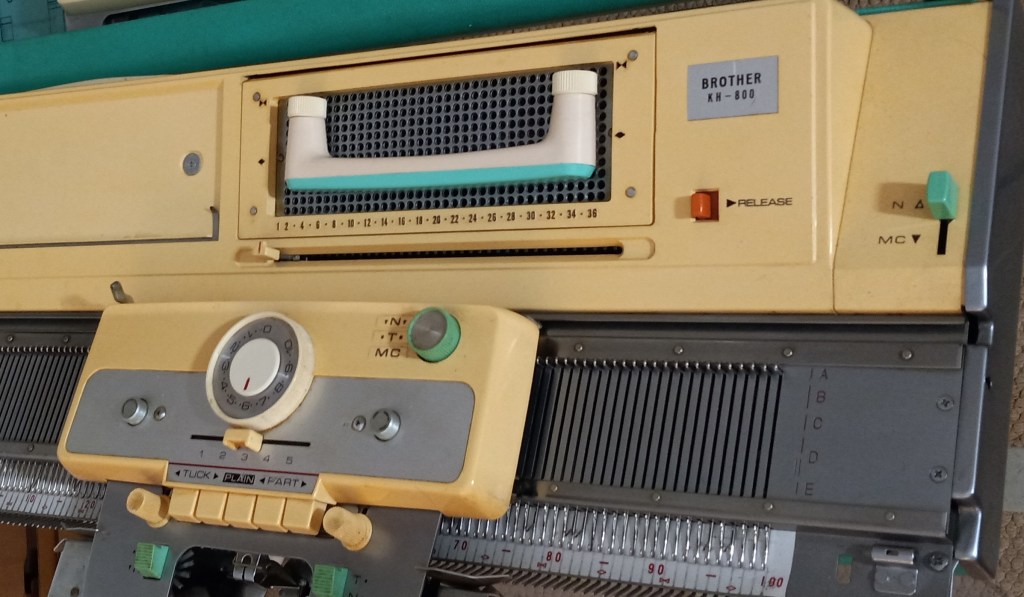
Before you even start, take a look at your main carriage. Find the N/T/MC knob in the top-right corner (we’ll need the MC settings). Please find the button on the carriage (we’ll need to push both PART buttons in). The slide lever on the carriage is on the settings “3”.

The change lever on the right-hand side of the needle bed in the top corner should be moved to MC.

These are the components we need to pay attention to to change to knit fair isle on Brother KH800 and KH801 knitting machines.

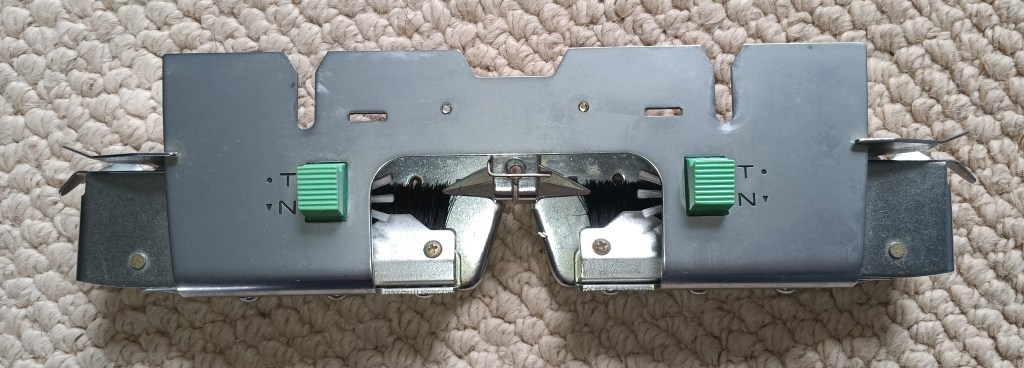
Preparation: knit several rows of stockinet in the main color. The second yarn is threaded into the left-hand side wire of the tension mast.
Step 1. The carriage is on the left side. On the carriage, set the change knob to MC and establish the desired tension (a two-color fair isle is recommended to knit at higher tension numbers). MC change lever is also at the MC setting. Holding cam lever (HCL) is at the setting “3”. Insert a desired punchcard and pull the step indicator up (“unlock” position) so it advances every time we knit one row.
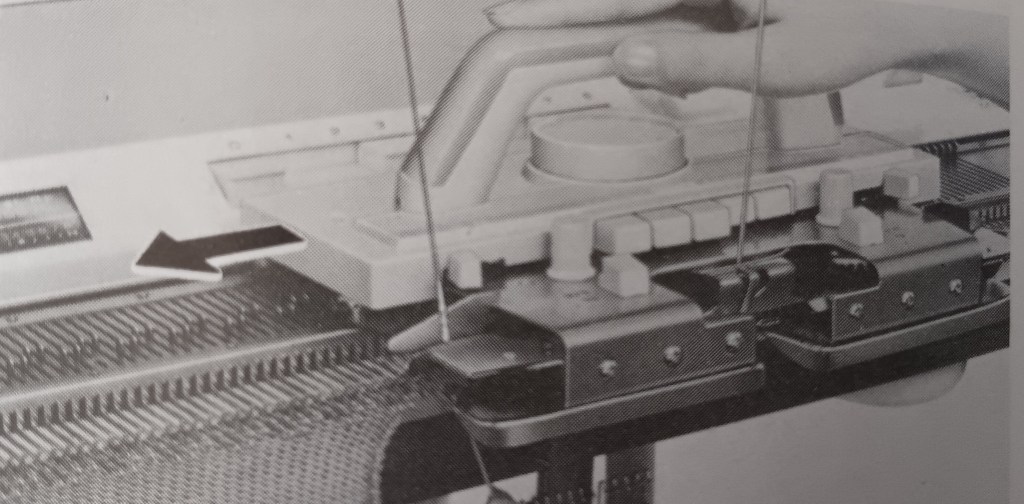
Step 2. Move the carriage to the right. All needles will shift to DI position. Push both PART buttons on the carriage. Double-check your tension. Guide/insert the second yarn into the slot on the left side of the sinker plate.

The manual for the KH800/KH801 knitting machines does a very poor job of showing how to insert/guide the second yarn into the slide slot of the sinker plate. I found an excellent demonstration in the manual for the KH710 knitting machine, which has very similar steps to the knitting fair isle. Also, watch my video on how I did it.

Step 3. Move the ratchet tool to move the needles according to the punch card. Notice they will split into the DI and DII positions. The needles that will knit with the second yarn remained in the DI position. The needles that will knit with the main yarn will move to the DII position. Move the carriage to the left while holding the second yarn gently (watch the video).
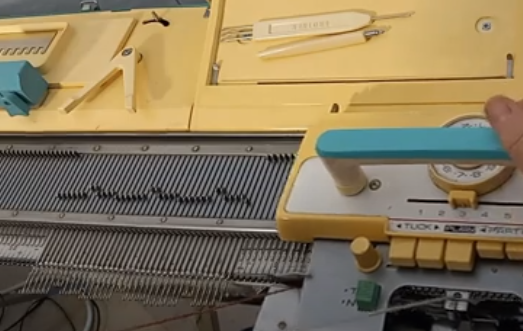
Step 4. Before moving the carriage back to the right, activate the needle selection for the second row: move the ratchet tool. As you move the carriage to the right, place the contrasting yarn onto the right-hand side guide of the sinker plate. Also, make sure that the row indicator moves after you pass the V-shaped trigger. If the row indicator does not move, pull it upwards.
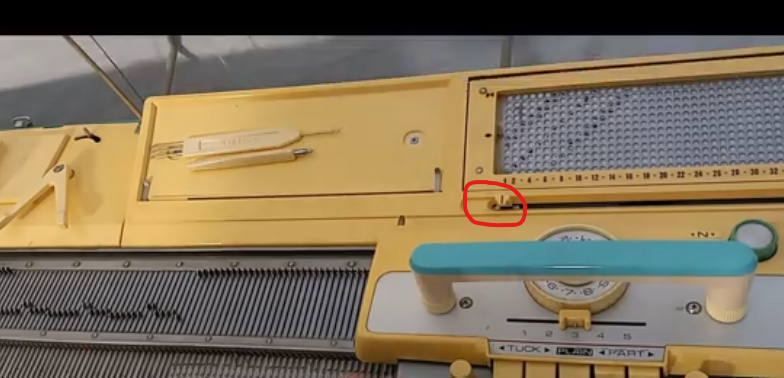
Continue these steps.
The same approach can be used on fair isle patterning on pushbutton machines, like Brother KH585, KH588, KH581, KH552, KH601, etc. The carriages for the pushbutton machines and for the 12-stitch punchcard models KH800 and KH801 are the same (except for the slide lever – the 8-pushbutton machines have side levers for the same purpose). Thus, after the needle selection, all consequent actions are very similar for all these machines.
Happy Knitting!
