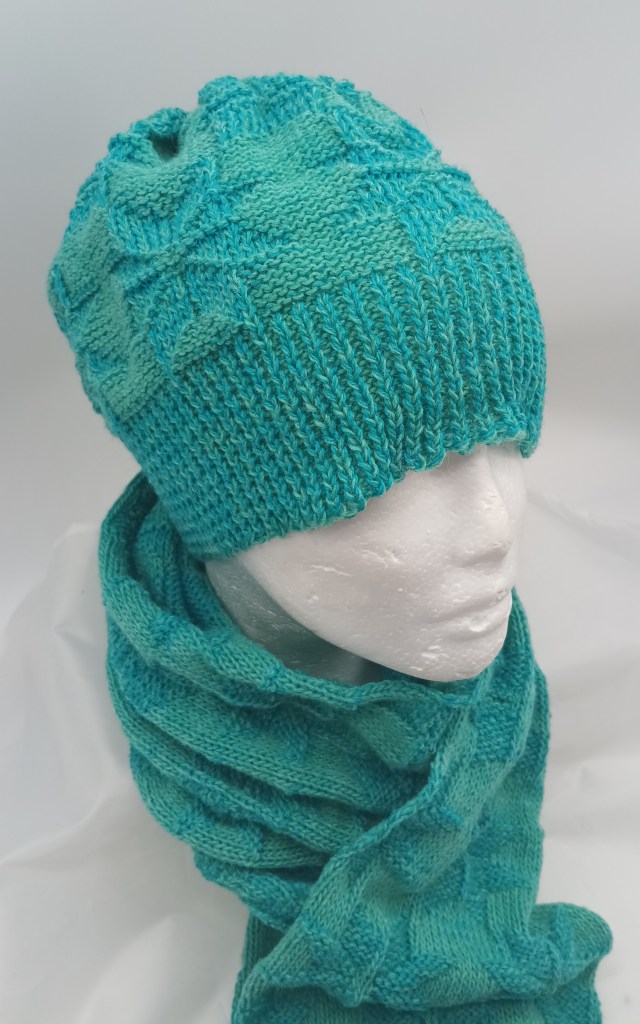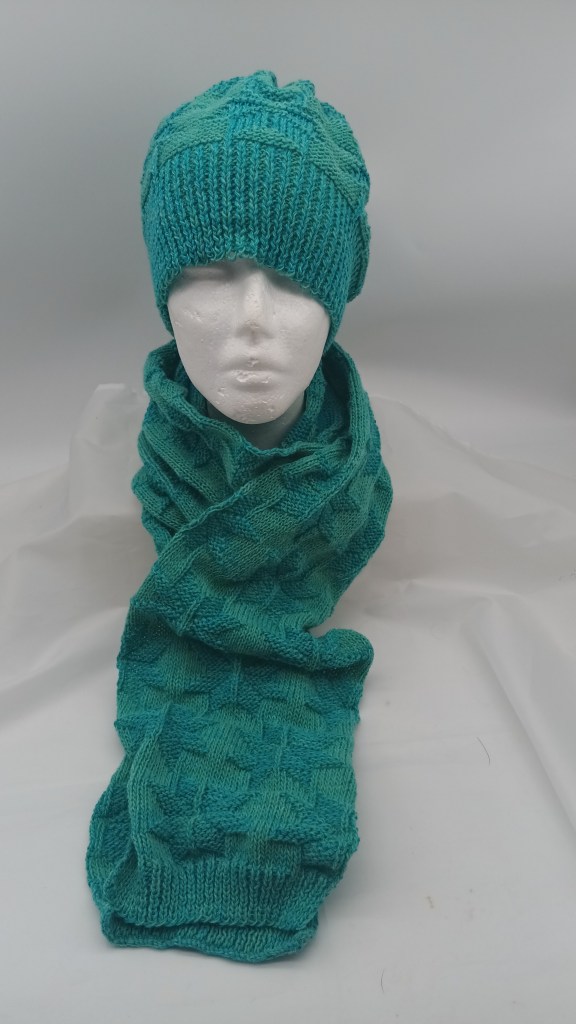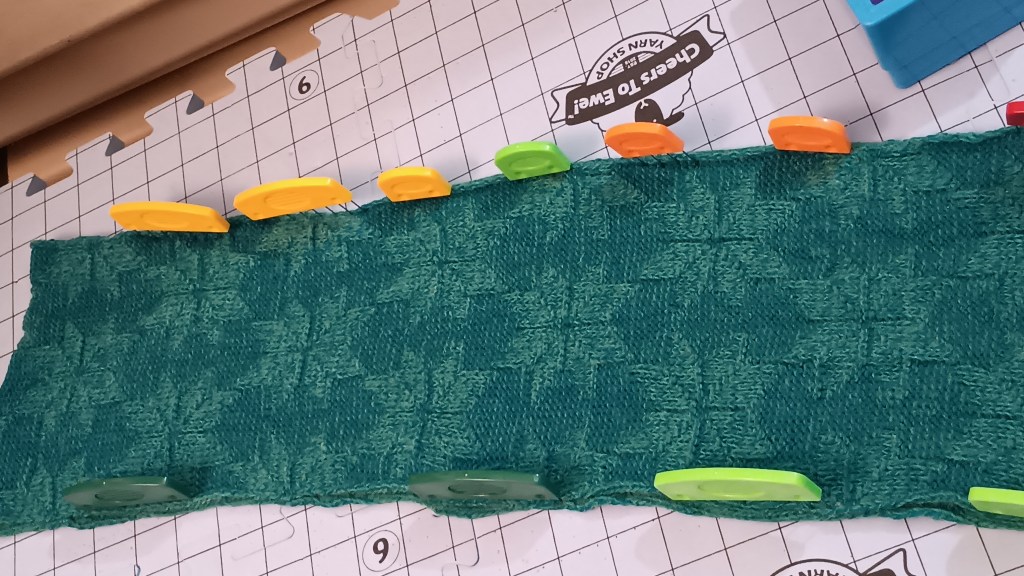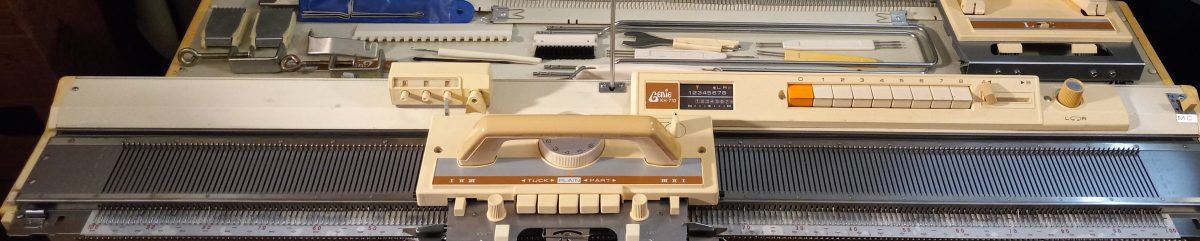
Making button holes when knitting using Brother garter carriage.

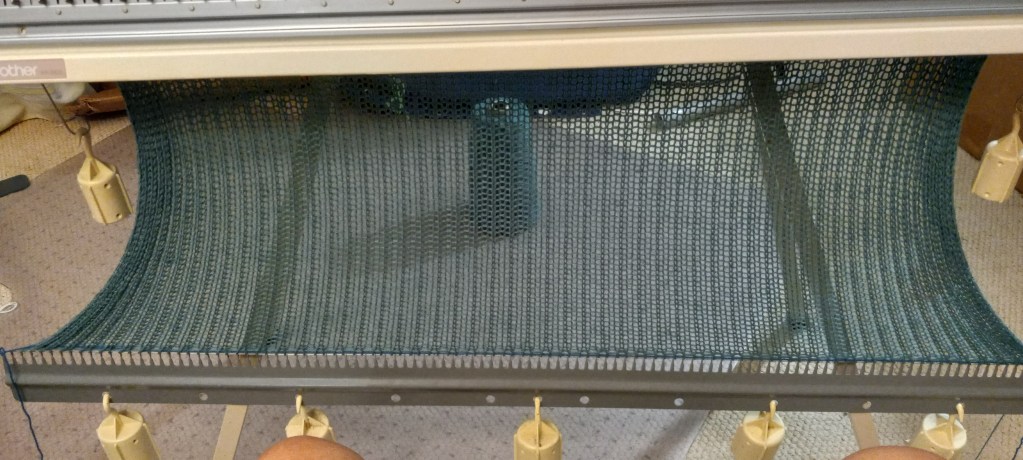
It is very easy to make horizontal button holes for small buttons when knitting projects using garter carriages. This blog is a text version of the video posted on the same subject.

First, decide the position of the button holes. Pick two stitches (in my demo, I decided to pick two sets of two stitches where I knew the machine needles, not the carriage’s, would knit). Move the left stitch out of these two to the stitch to the left of it and the right stitch to the right of it. Push the freed needles back to B position.

Knit one row with your usual pattern. The needles that were empty, now have yarn hooked on them (no stitch formed). Using a double eyelet tool, take the yarn off one hook, twist it, and then put back into a needle. You just formed a loop. Do it for the remainin needles in the button hole.

Continue to knit as usual.

KnitKing RK900 ribber serviced and tested in October 2025

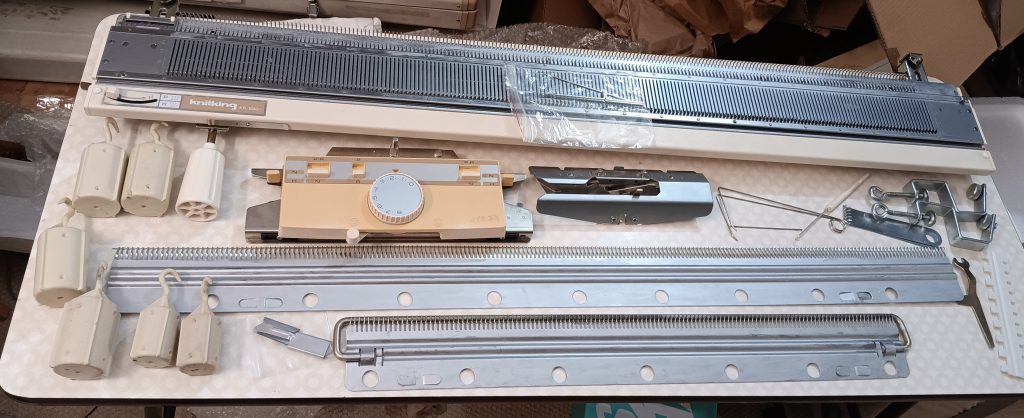
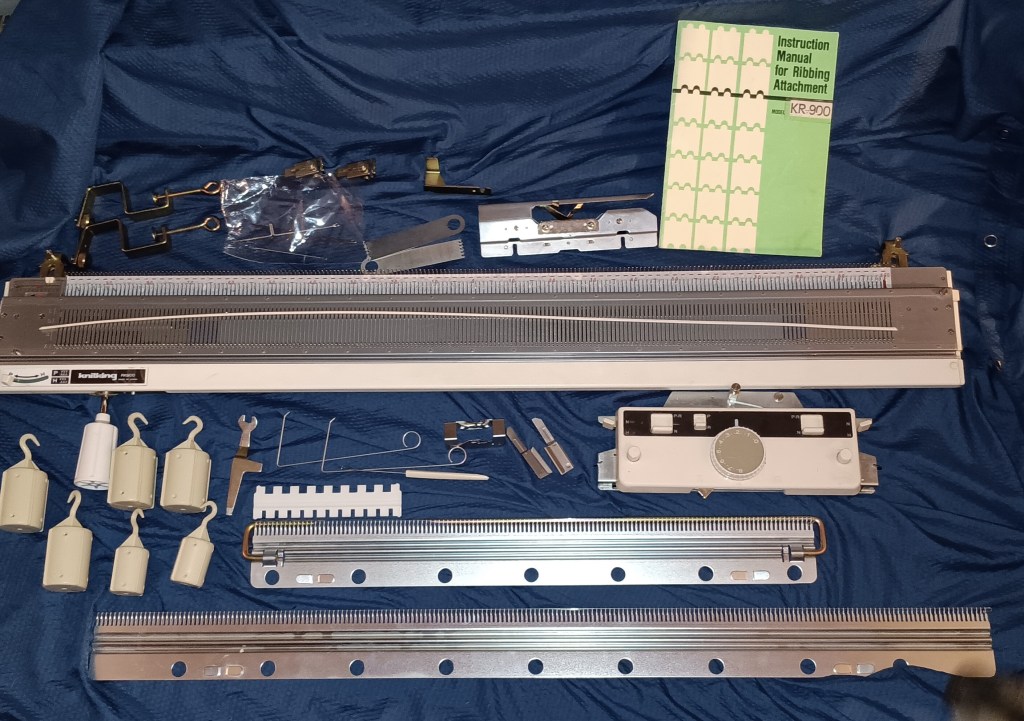
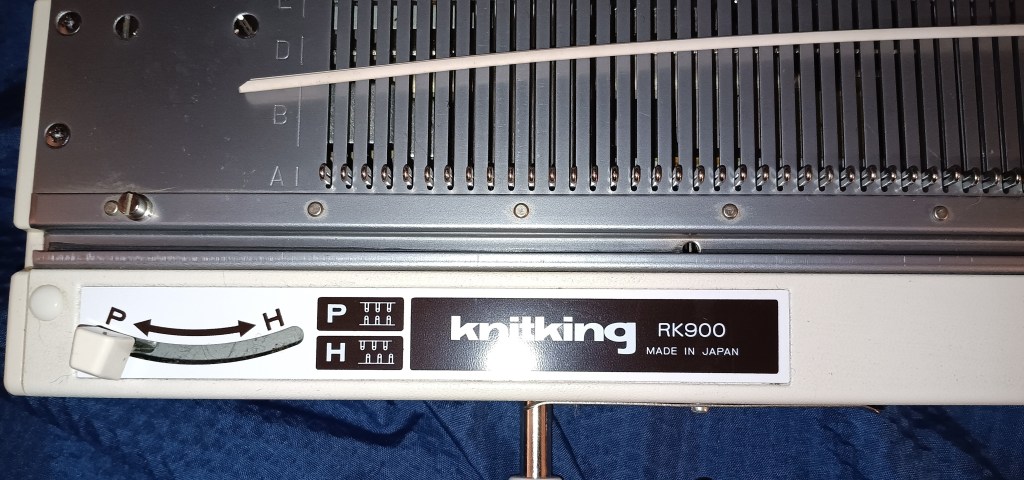
Knitking RK900 ribber fits most Brother and Knitking knitting machines with punchcard and electronic capabilities. It is identical to the Brother KR850, KR890 and KR900 ribbers. Thus, read the corresponding articles about their pros and cons in my Knitting Machine Encyclopedia. The rest of the blog post below is dedicated to a specific ribber, serviced and tested in my shop in November 2025.

Before I even started testing the ribber, I removed all needles, cleaned them and inspected each individually for any bents, flaws, sticky latches, etc.

I then tested the machine using three different yarns. One yarn is a sport-yarn thickness with wool content (50%), and two others ones are thinner 100% acrylic yarns. The machine handle all of those wonderfully. The tests were done on small number of ever-other-needles, on two configurations of every-pther-needles, but on the full bed and on all needles on a select number of needles. The machine behaved really well during the tests: watch a video I recorded to confirm that.

On one of the knitted panels, I saw an area with an ok-formed stitch but not super even. I was not sure what it was (probably because I mistakenly moved forward several needles on the main bed to B position, not every other one). I tested that middle section on ALL (not on every-other-one) needles. Because all the needles were selected, the carriage moved a bit harder. But all stitches formed beautifully. So: false alarm.

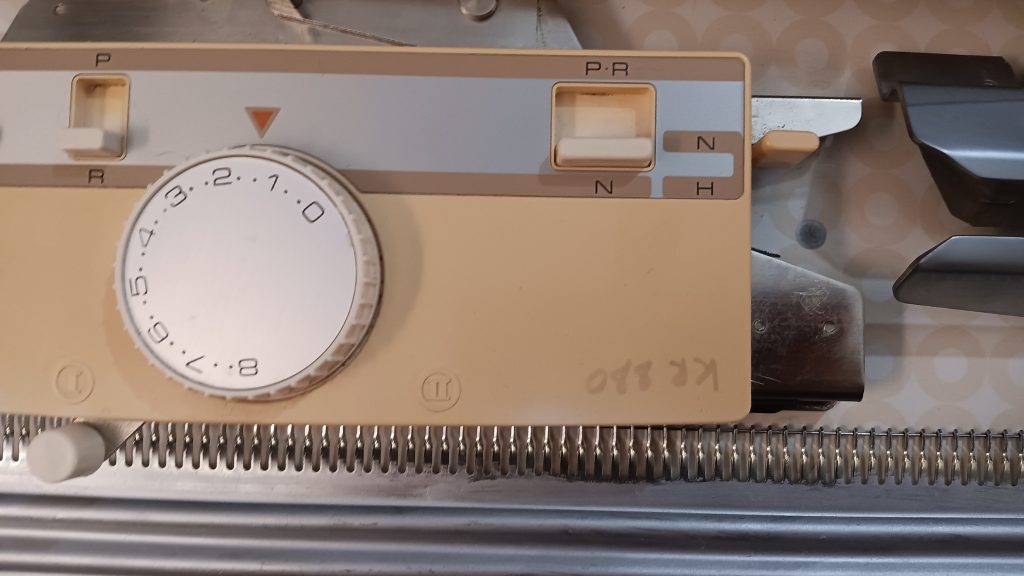
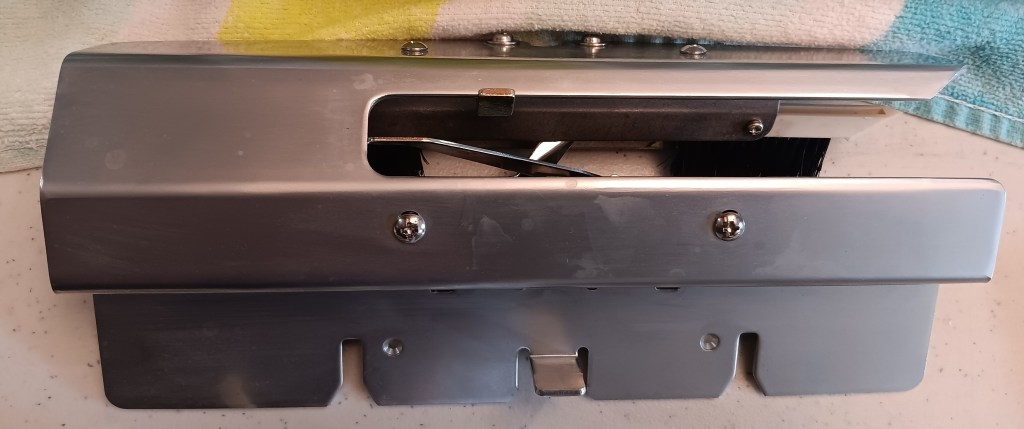
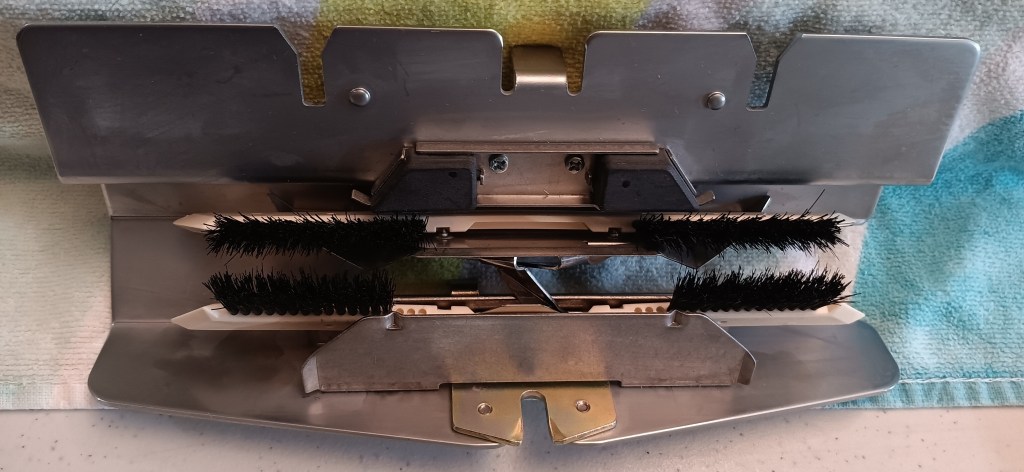
All carriage buttons and level move freely. The little round knob on the carriage bottom lever is missing but will be replaced soon.

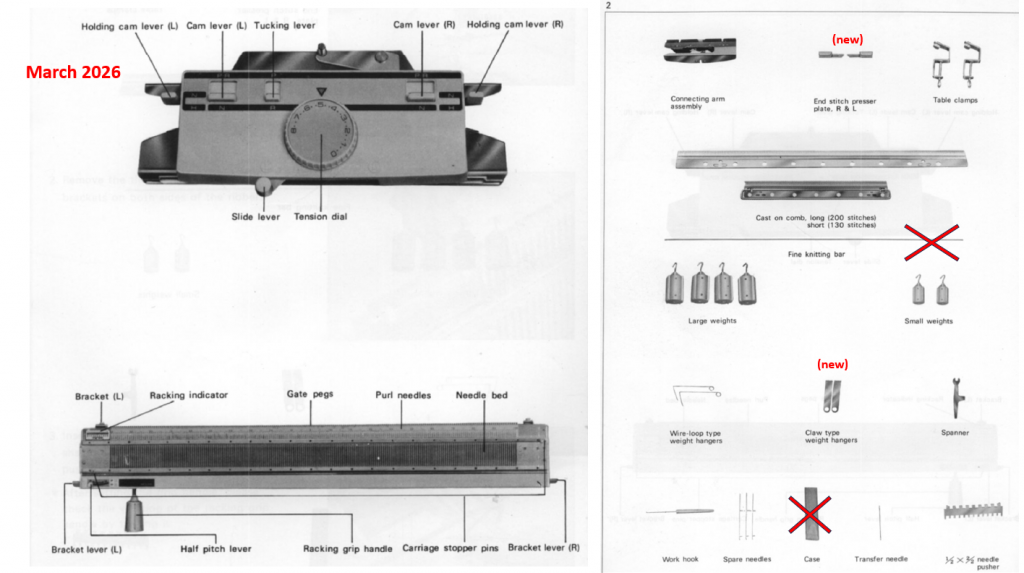
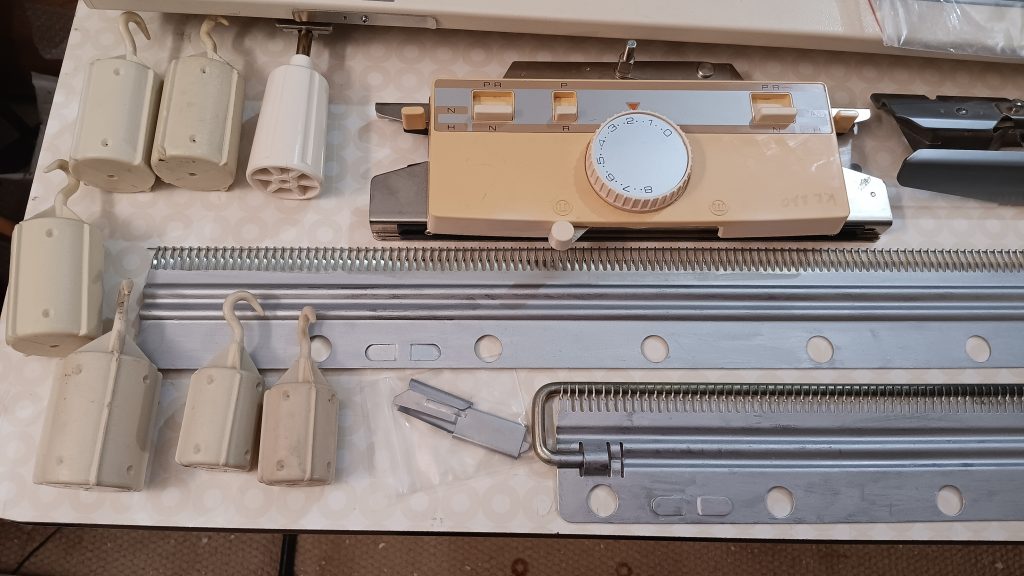
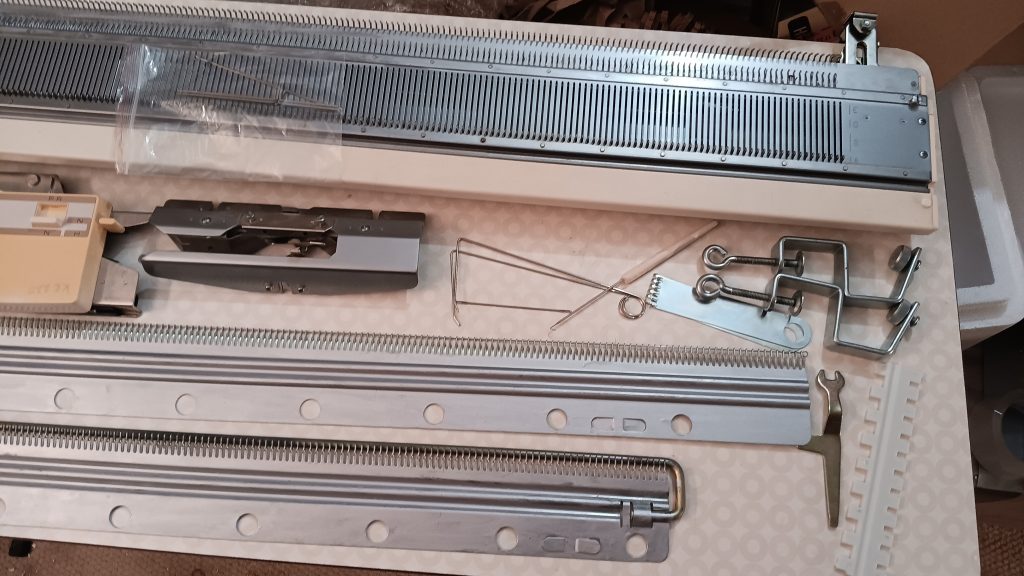
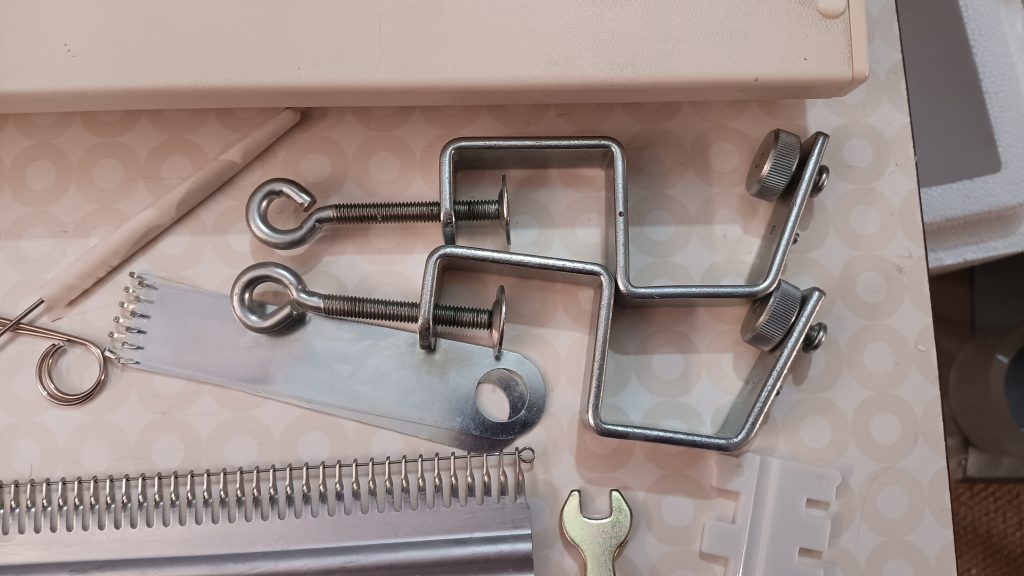
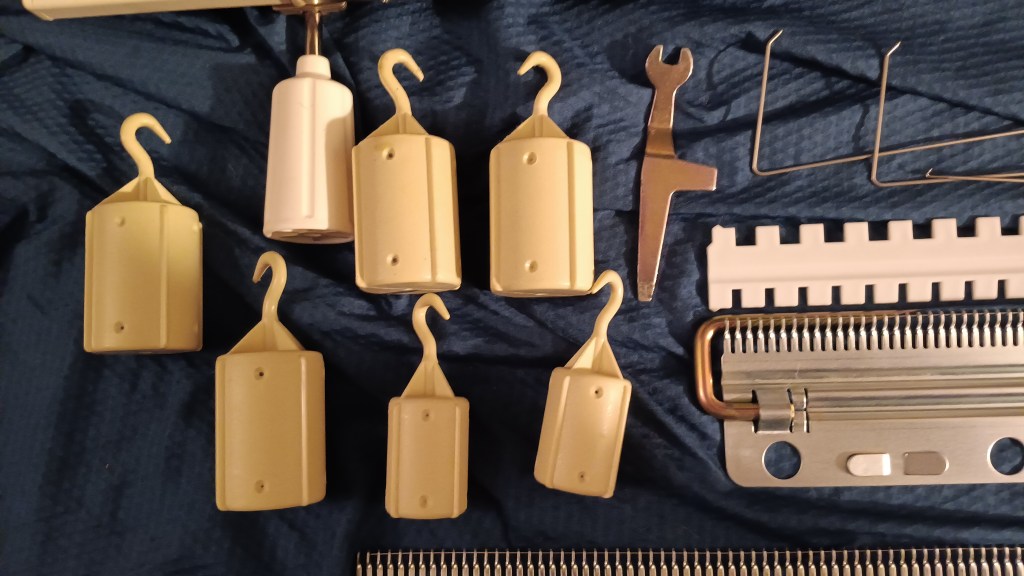
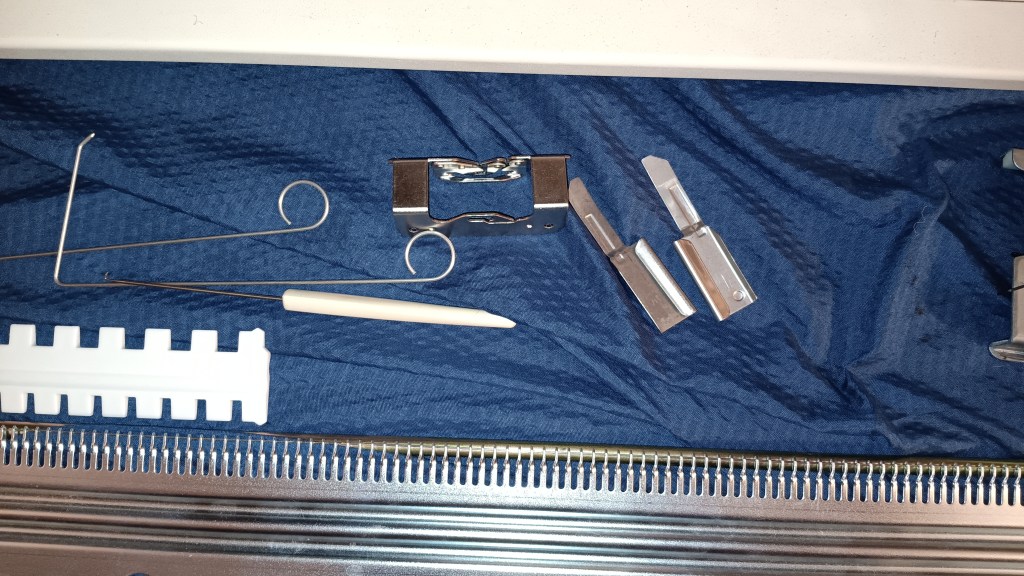
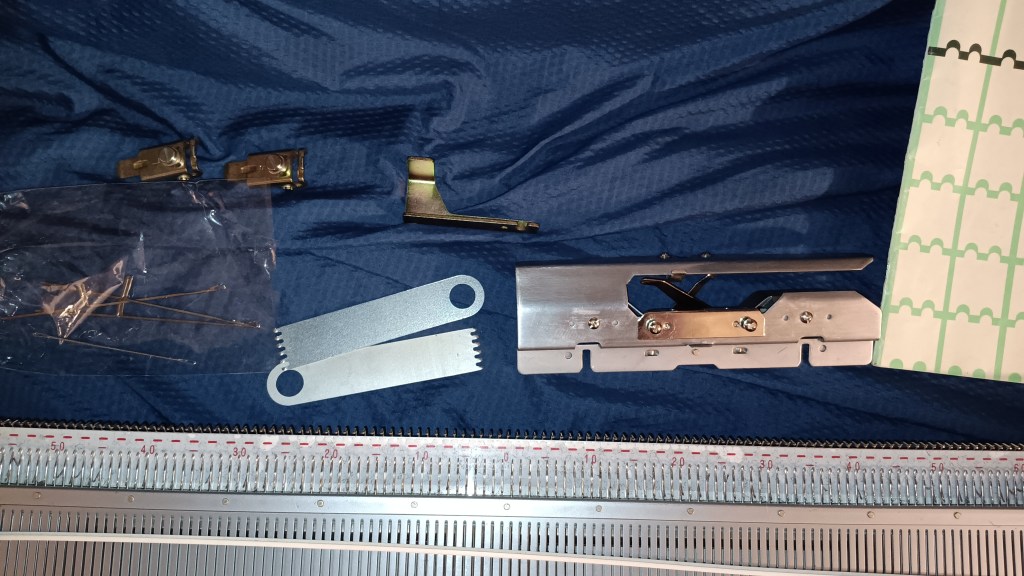
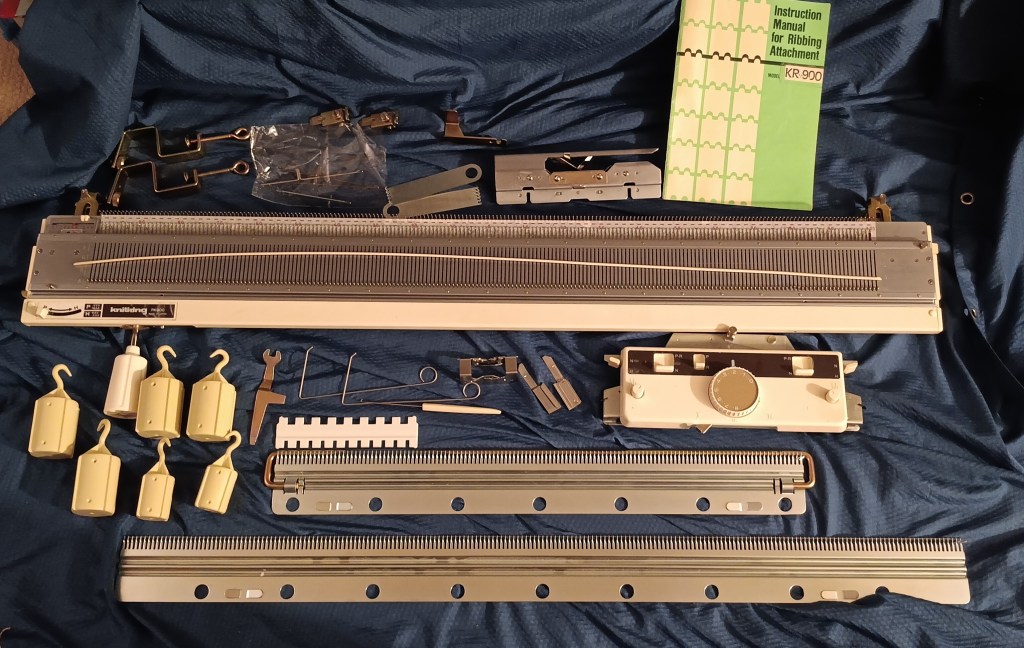
The machine will come with all accessories. A lot of these accessories look brand new (from my personal stash), especially the cast-on combs and the barrel weights. Several are indeed new from new stock (double eyelet transfer needle, needle selection comb, ratchet tool, claw hanging weights).

A hard copy of the manual is included as well (it is marked as Brother KR900, which is the same model).

CONS and IMPERFECTIONS:

  • Carriage cover has some minor scratches and spots (none affect the functioning)
  • The only, very minor “accessory” missing is a spare needle case
  • Attaching the connecting arm might need paying attention (see below)
  • Cam lever knob is missing (but is replaced soon)

The way I figured out the best way for this setup to attach the connecting arm is this: insert the connecting arm into the main carriage, slightly fasten the oister knobs, move the carraige+connecting arm to connect to the ribber carriage; after it snaps into the ribber carriage, finish fastening the oister knobs, but do not overtighten it. I found out that this is the best way to securely and reliably tighten the connecting arm to the main carriage and to the ribber carriage. When I tried the usual method (completely insert the connecting arm, tighten and then attach to the ribber carriage positioned to the left of the carriage, they did not feel all reliable and did not nest as snugly. My TLC-method is also shown in the video.

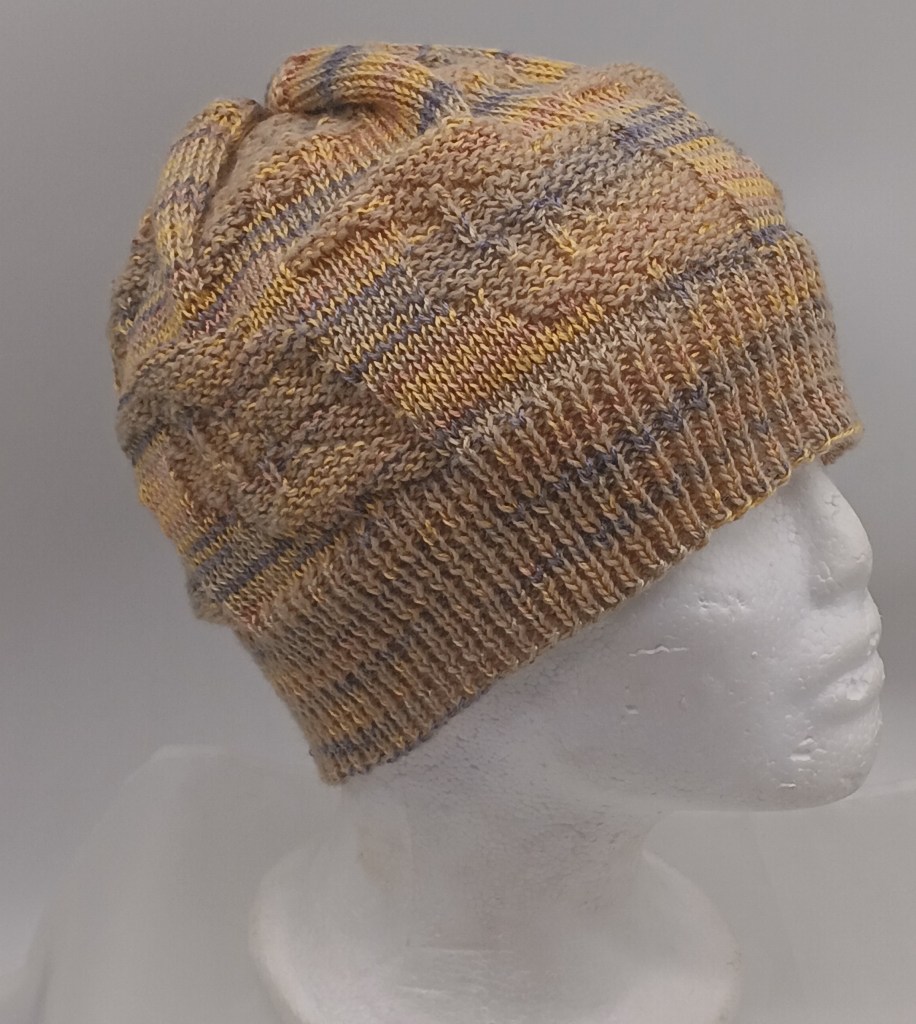
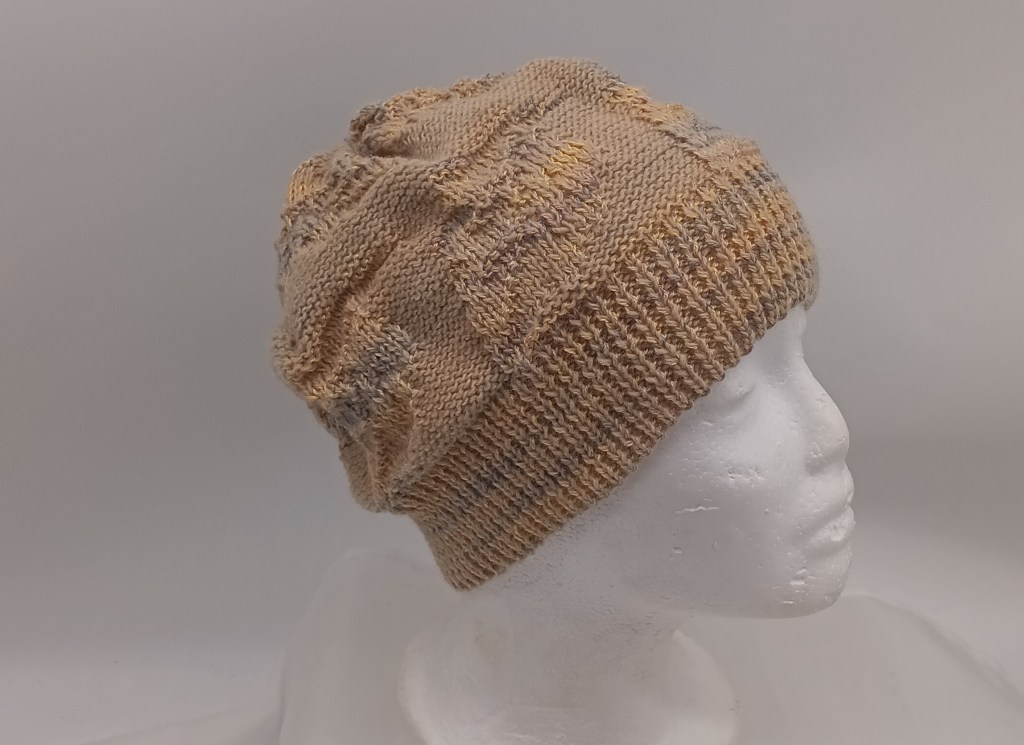
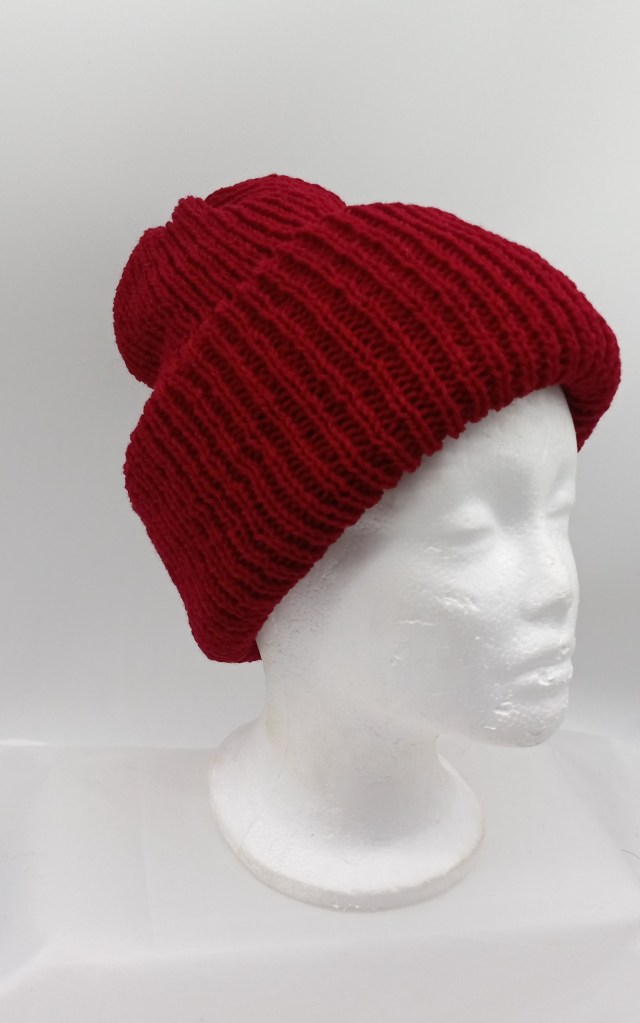
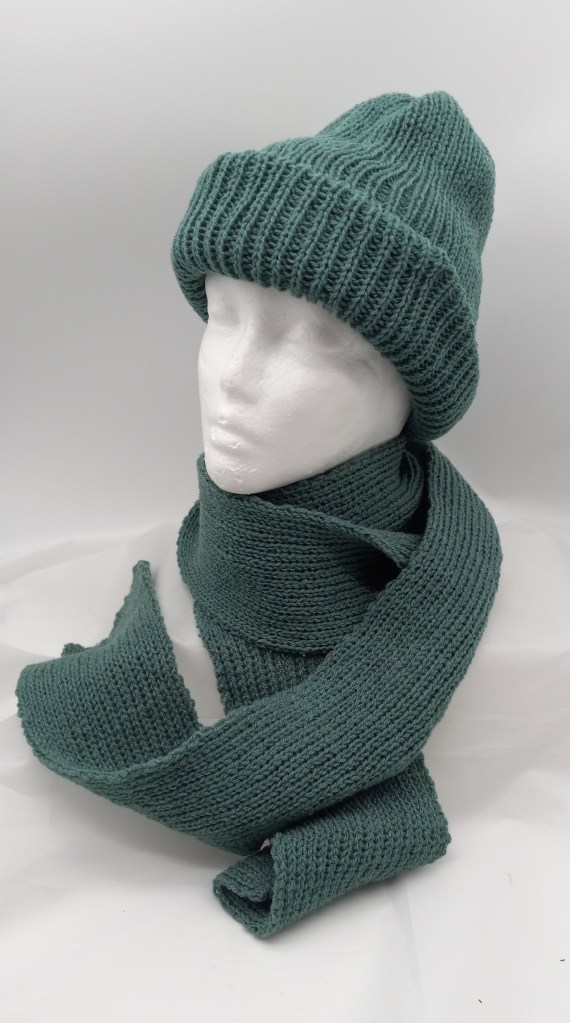
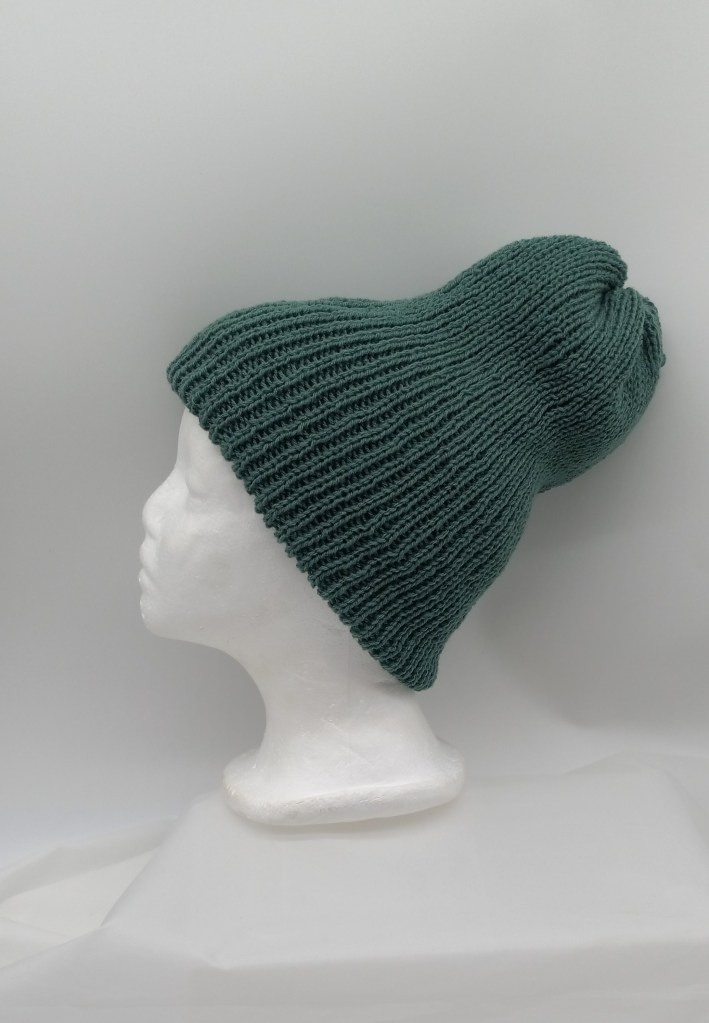
The panel knitted while testing this ribber were converted to a hat (the brown ribbing in on the “right” side and the greyish ribbing is on the inside), which will go to charity during our local Thanksgiving and Christmas hat and scarf drive.

Happy Knitting on this wonderful ribbing setup!

Diary of my two-color garter carraige projects

What the two-color garter carriage did for me is hard to put in words. My journey with knitting machines started when i realized i had too much yarn on hands. After experimenting the crap out of Addi (I knitted sweaters, with cables, after NUMEROUS hats, scarves, and fingerless gloves) and Brother KX350 (also seaters with cables and socks), I needed more challenging projects. I could not decide which machine to choose, so to try them all I ended up buying multiple second-hand knitting machines… All kinds… So many that I started running out of space so I had to pass along all those machines. I cleaned them, tested them, figured out what I like about them, and did not. Moved on to the next one. … But I still really never had a chance to sit down and experiment and craft with all that yarn I accumulated…

Then I discovered Garter carriage. Thank god, out of a dozen garter caraiges I picked up along with the mahcines, one was fully operations (I am still fixing 11 others). The minute it created the perfect 1×1 ribbing, without curse words and snags that I was getting on the ribber, I was in love. I immediately knitted a blanket, and, as usual, multiple scarves and hats. I would not say I got bored (there were so many patterns and projects still to experiment with). But I saw the wonderful effects that two-color garter carriages created, so I wanted to continue to experiment (and along the way, to use all that yarn I have). So, I got the adapter.

After overcoming the initial learning curve, I started enjoying watching my two-color garter carriage making various fabrics so much, that I would bring my coffee into the room and just watch it knit. I would be combing impossible yarn. Consult with my son, who is an artist on colors and designs. Create my own designs… Oh boy. I finally had that long-awaited creativity and experimentation that I was yearning all this time. I still fix my machines and pass them along, but I also create these new designs, comine colors, test new patterns, create my own patterns…. The level of satisfaction it brings is just indescribable. Being creative and crafting, according to smart scientists, increases the levels of dopamine… These levels are now spilling to other areas of my life. Double benefits. Thanks, two-color garter carriage. I cherish and appreciate you!!
Hats with leaves

Hats with snowflakes.

Brother KR260 ribber serviced in August 2024

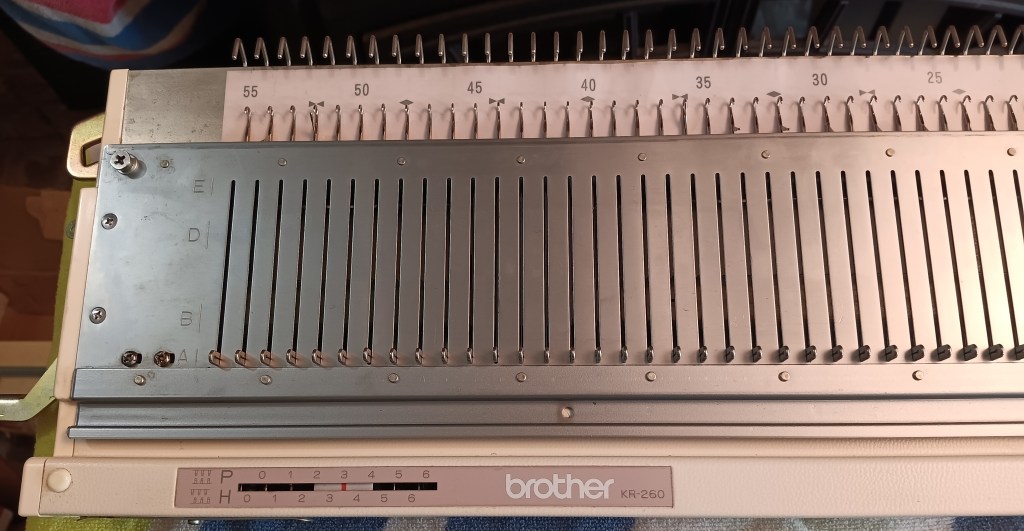
Brother KR260 ribbing attachment fits bulky knitting machines Brother KH260 and Brother KH270. Read more about this ribbing attachment in my Knitting Machine Encyclopedia (…coming soon).

The article below is focused on the ribber I tested in August 2024 in my shop.

The ribber bed was thoroughly cleaned, the side brackets were cleaned and oiled, and all needles were removed and inspected individually (and then tested by knitting on the full bed).

The distance between the main bed and the ribber was easy to adjust. I almost instantly got the optimum distance and was able to knit a swatch right away. See the pictures of the first cast-on row: all distances are even and there are no missed stitches.

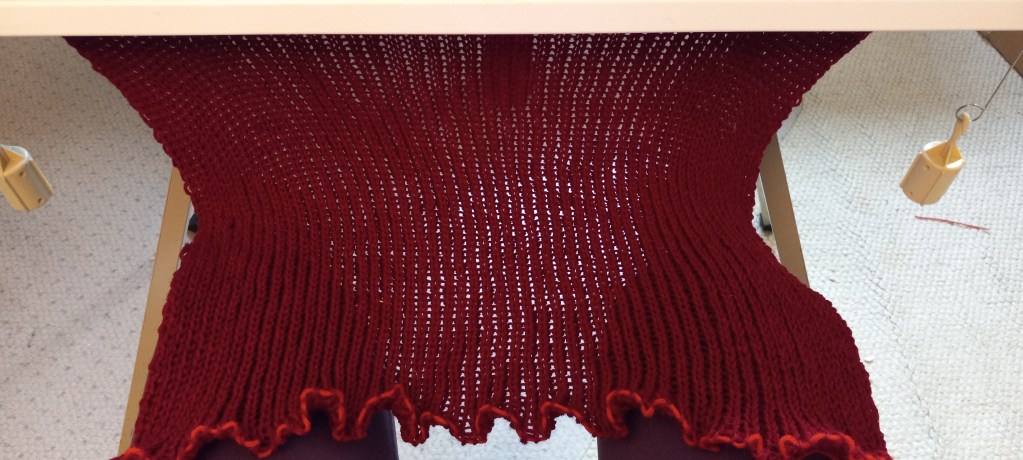
I left the side brackets in the machine so the next owner will not have to make too many adjustments. I knitted the swatch to several rows and made a narrow scarf out of it (see pictures below).

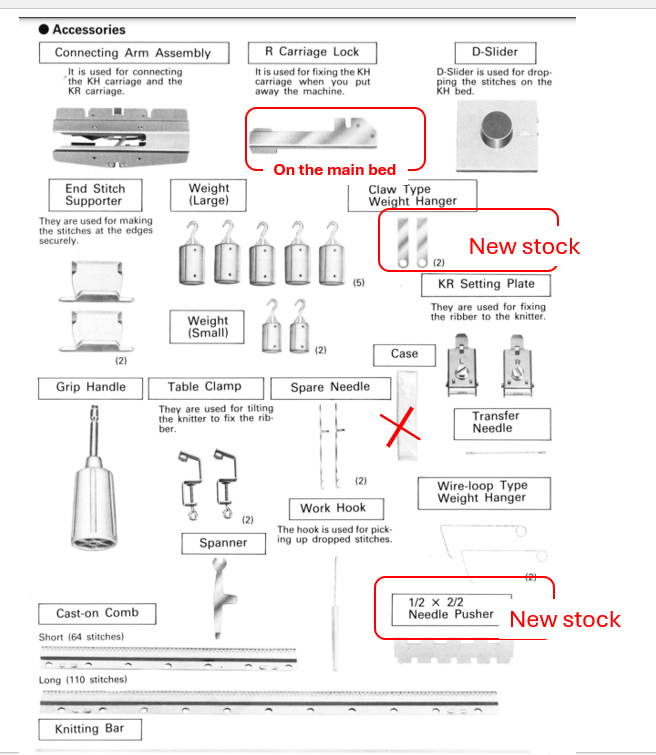
The retaining bar is new with the new sponge. (Typically I reuse the retaining bar (the metal part of the needle pusher) and attach a new sponge strip to it. For this ribber, I used a brand-new metal retaining bar with a brand-new sponge strip.

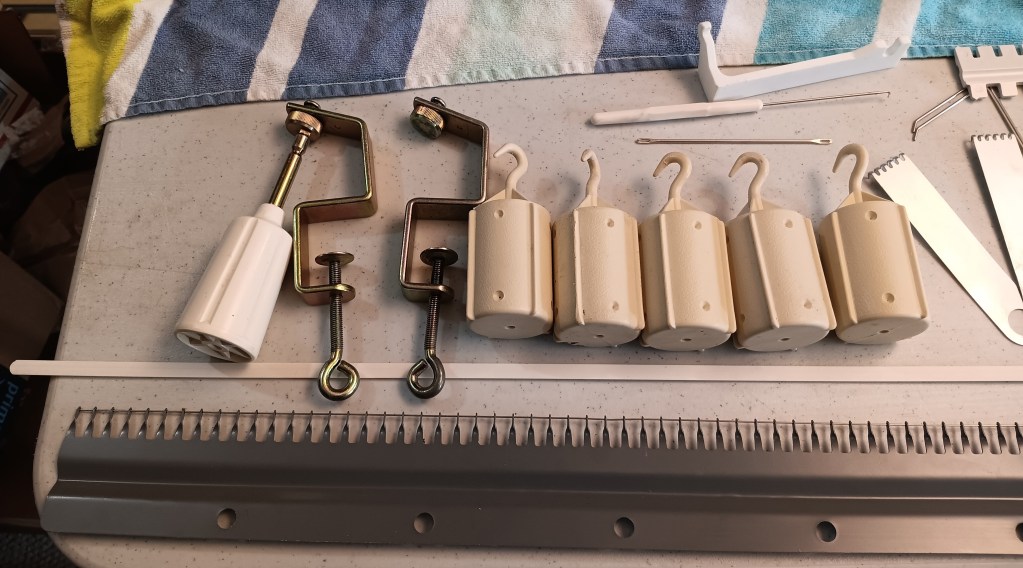
The machine comes with all minor and major accessories. One exception is a spare needle case: it was so old, that it crumbled as I opened it. The spare needles are inside a regular plastic bag.

Some accessories (1/2 and 2/2 needle pushers) are brand new from new stock.

The 1×1 needle pusher is also a handy tool but it is included with te main bed (Knitting machine).

All other accessories came with the machine but they are still in great shape.

Watch the tests on full bed in my video. I knitted 1×1 ribbing on every other needle on the bed and on the ribber. Thus, to check all ribber needles, I knitted two combinations of those needles to ensure I knitted in all needles. All stitches formed nicely! Thus, all needles, their latches, and the retaining/sponge bar functioned well.

The connecting arm is in great shape. All brushes are intact.

The ribber carriage is also in great shape and all buttons and levers move freely.

I will include the yarns I used to test this machine with the purchase so the next owner will start familiarizing themselves with this machine with the proven threads. These turns turned out to be pretty staticky. On the small swatch (narrow scarf, olive green color), the static was so strong that I could even feel it on my legs as I was knitting the long panel. On the large piece (olive green hat) the status was even stronger but the machine handled it very well: no grinding noise and no problems with tension. I did not use wax with the olive green yarn.

An original cardboard box for the ribber will NOT be included. I will, however, put the ribber into a cardboard box and wrap the accessories in bubble wrap.

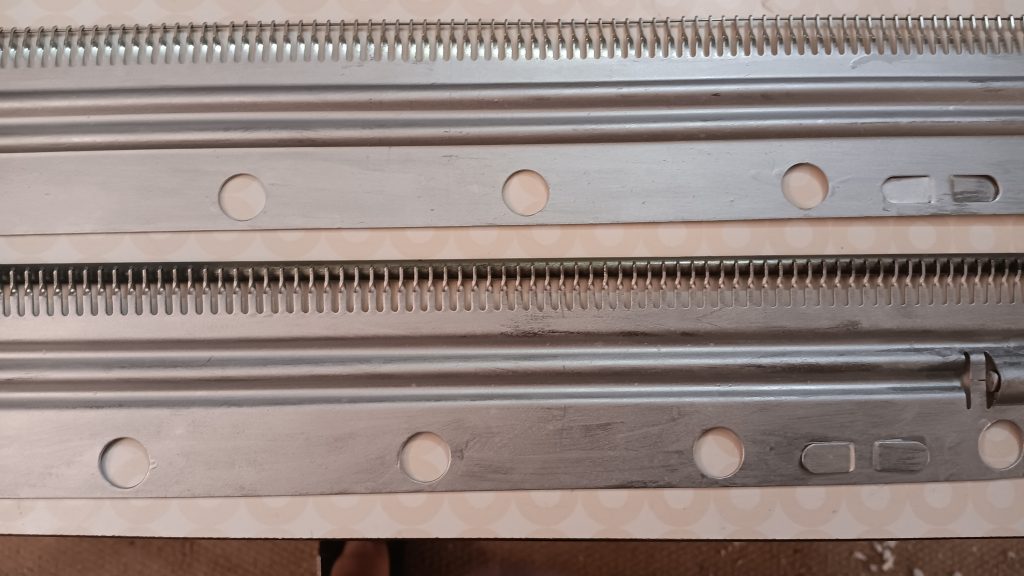
Ribber cast-on combs are in great condition. If the wire does not go inside the holes, just rotate it a bit and it will slide in.

Brother punch-card knitting machines: quick reference

All Brother punch-card knitting machines have 200 needles. Except for the Brother KH260 model, all other punch-card Brother knitting machines are standard gauge (4.5 mm distance between needles).

Below is a summary of which punchcards were released for specific machines. Keep in mind that all these cards are interchangeable.

Miscellaneous
Card Set, letter
Standard-gauge machines
Brother KH830-836D
Brother KH840G
Brother KH860,881J
Brother KH890,891M
Brother KH864/868S
KnitKingKK93/KH893R
Bulky-gauge machines
Brother KH260P
Miscalleneous
Garter CarriageB-KG
Ribbers

Needle positions for Brother and KnitKing knitting machines.

Machines/Ribbers Model numbers
Needle Positions

12-stitch punchcard machines
KH800, KH801ABCDIDIIE

24-stitch punchcard machines
Bulky: KH260
Standard: KH810, KH811, KH820, KH821, KH830, KH831, KH836, KH840, KH850, KH851, KH860, KH864, KH871, KH881, KH890, KH891, KH893, KH894


A


B


D


E

Ribbers matching the Brother and KnitKing punchcard knitting machines
KR810, KR830, KR840, KR850, KR890, KR900, RK900ABDE
A – non-working position
B – standard working position
D, DI, DII – patterning positions
E – holding position

More summary information on punchcard knitting machines is coming up.

Needle positions of various flat-bed knitting machines and ribbers

Brother Knitting machines

A – non-working position

B – standard working position

C, DI, DII – patterning positions

E – holding position

Machine Model number
Needle Positions
Basic (manual) knitting machines
KM100, KH355, KH360, KH370, KH380, KH390, KH395ABCD
KH210, KH220, KH311ABCDE
KX350, KX395ABDE
KX355unknown
4-Pushbutton machines
KH35, KH212, KH218no indicators
KH511ABCDE
KH521, KH531, (Profile) KH551ABCDIDIIE
8-Pushbutton machines
KH110, KH120, KH552, Profile 585, KH587, KH588, KH705,
(Genie) KH710, KH601
ABCDIDIIE
KH561, KH571, KH581, (Profile) KH583, (Profile) KH585ABCDE
KH811 (also 24-stitch punchcard)ABDE
12-stitch punchcard machines
KH800, KH801ABCDIDIIE
24-stitch punchcard machines
Bulky: KH260
Standard: KH810, KH811, KH820, KH821, KH830, KH831, KH836, KH840, KH850, KH851, KH860, KH864, KH871, KH881, KH890, KH891, KH893, KH894
ABDE
Electronic machines
KH900, KH910, KH920, KH930, KH940, KH950, KH965, KH970ABDE
Ribbers
KR551ABC
KR110, KR120, KR586, KR710, KR810, KR830, KR840, KR850, KR890, KR900, RK900ABDE
KR582unknown

KnitKing Knitting machines

A – non-working position

B – standard working position

C, DI, DII – patterning positions

E – holding position

Machine Model numberNeedle Positions
24-stitch punchcard machines
Bulky:
Standard: KH881, KK91
ABDE
Electronic
Compuknit IV,ABDE

Silver Reed Knitting machines

Machine Model number
Needle Positions
SK120,ABDE

Retaining bar vs knitting machine model chart

The table below lists the lengths and widths of various knitting machines I measured myself. Use this table as a reference to ensure you purchase the correct retaining bar for your machine.


Model
Retaining bar
materialsponge?length, inch/cmwidth, inch/mm
Brother KH500metalyes41/1040.375/10-10.5
Brother KH551metalyes41/1040.375/10-10.5
Brother KH552metalyes41/1040.5/11-11.5
Brother KH581metalyes41/1040.5/11-11.5
Brother KH585metalyes41/1040.5/11-11.5
Brother KH588metalyes41/1040.5/11-11.5
Brother (Genie) 710metalyes41/1040.5/11-11.5
Brother KH800metalyes41/1040.5/11-11.5
Brother KR810 ribberplasticno
Brother KR830 ribberplasticno
Brother KR850
ribber
plasticno
Silver Reed SK120metalyes42/1095 mm/0.2 inch

About retaining bars in knitting machines and ribbers.

… this article is in constant progress as I learn about various knitting machines and their retaining bars.

Almost all knitting machines and ribbers have retaining bars. Some machines have retaining bars with a sponge attached to them. Some machines (the majority of plastic flatbed machines) have only a long and narrow sponge (without the metal holder). Ribbers come with either a “retaining bar+sponge” assemble or only with the plastic retaining bar (no sponge strip).

The main role of these retaining bars is to hold the needles in place and to prevent it from bouncing up and down when knitting.

Below are the situations when you want and need to remove (and inspect in many cases) the retaining bar:

  1. When you just purchased your machine (especially used and NOT recently serviced), the first thing you need to do is to remove your retaining bar and inspect it. I made a short video on how to do it because I have been asked about it so many times by my customers.
  2. When you need to replace faulty needles.
  3. When you need to clean your machine.
  4. When you notice your knitting machine mispatterning without any good reason.

Hopefully, you purchased your knitting machine new or recently serviced. In this case, the sponge should be 1-2 cm above the metal edge of the retaining bar.

But in most cases, this is not the case. Thus, it is possible that when you remove the retaining bar, you will see a disintegrated sponge. I’ve seen some spongy strips being just a gooey mess. The old sponge needs to be removed as soon as possible (since it often corrodes the needles) and replaced.

There are two ways to approach this replacement.

First approach: just replace the spongy strip

If you decide to replace the sponge, you will need to remove all this goo. I first use a flat-head screwdriver to scrape all the residue out of the retaining bar canal. Then, I use “Goo Gone” to remove the rest of the residue. I typically do it outside because it is a very messy process. I pour a thin layer of “Goo Gone” liquid into the retaining bar and wait for hours. Then I scrape the remains of the old sponge again with the screwdriver. Lastly, I wash the retaining bar with soap and water, wipe it really well and let it dry (or blow dry it). You can purchase just the sponge in my store.

I sometimes read in forums that some thrifty machine knitters get a simple weather stripping and use them as sponge strips. Well, those have different dentistry and sometimes do not have a silky ribbon on one side. Also, they are not suited to be exposed to oils and might decompose rapidly leaving a sticky (potentially unremovable) residue inside your machine.

I read that experienced machine knitters use different ways to attach the spongy strip to the retaining bar. (By the way, the width of the spongy strip is not as critical and it can be a little bit narrower than the channel of the retaining bar but not by much). I tried different glues and my current choice is hot glue. Some machine knitters use wood glue. I apply the glue to the metal part of the retaining bar and attach the strip to the metal by the sponge side (not the silky ribbon side). I then tape the ends if the sponge to the plastic ends. I like using medical tape. Only one layer of the tape is enough to secure the ends of the sponge. More layers will only get stuck when you insert the newly refurbished retaining bar back into the machine. To avoid stripping this tape, push it down on the ends of the retaining bar while inserting it into the machine.

Second approach: buy a new retaining bar

Or if you do not feel like dealing with all this mess, you can purchase a retaining bar with a sponge already in it. Before you order a new retaining bar, make sure you measure the dimensions of your old bar: its width and its length.

Most commonly used by machine knitters Brother, Studio/Silver Reed/Singer, and Toyota knitting machines have somewhat similar retaining bars but there are some differences depending on the model and the gauge of the machine.

For the retaining bars for these machines, there are three different lengths (41, 43, and 47 inches) and two different widths (0.375 and 0.5 inches). This is why it is important to measure your old retaining bar to ensure that you are getting the retaining bar suitable for your machine. Most JUKI, Toyota, Silger/Silver Reed/Studio, Artisan knitting machines use 0.375-inch wide retaining bars. The lengths are either 41 or 43 inches (depending on the model).

I’ve read stories on FaceBook groups, where the new machine knitters were puzzled by the fact that they JUST replaced the sponge bar and the needles do not move, advance, or retract the way they are supposed to. I especially see I happen to be the owner of 8-push button Brother knitting machines. There is somewhere out there some incorrect information on the retaining bar for these machines. 4-push-button machines use a 0.375-inch wide retaining bar and the 8-pushbutton machines use a 0.25-inch wide retaining bar. (I’ve refurbished over a dozen pushbutton machines and I know the difference first-hand).

Brother ribbers use plastic retaining bars without sponges. When (re) inserting the retaining bar into the Brother ribbers, the concave surface (the “channel”) should face you.

There are machines with unique retaining bars – I will update the blog soon when I learn more. I am also putting a table on machines (and models) and retaining bar compatibility. Stay tuned!

In the meantime, enjoy your adventure in retaining/sponge bar replacement!

PS. I measured several dozens of retaining bars with my calipers. Even though the “official” measurement is 0.375 and 0.5 inches, mine are measured as 0.40-0.41 and 0.44-0.46 inches respectively. This inaccuracy in inches makes me like the mm scale (aka metric) a bit better. So the narrower retaining bars are 10.0-10.5 mm while the wider are 11-12 mm wide. Who knew that just 1 mm would make such a difference but it does! I had an incorrect bar installed on my KH581 8-pushbutton machine and the needles would not go back from E to B (or A) position!!!

The difference between Brother KH965e, KH965i and KH965.

Just a quick note on the differences between Brother knitting machines under the model numbers KH965, KH965e, and KH965i. The reason there is a lot of discrepancies and misunderstandings about the additional “i” in the model number is that these machines are very scarce and because the functionality seems to be . They are very desirable and those that are still available on the used market are still in great shape.

First, about “e” :

Even if Brother KH965e indeed exists, it would simply mean an anniversary edition since “e” stands for “eleganza” (the latest anniversary edition model to the best of my knowledge is KH950E). This machine would be identical to the functionality of the KH965 knitting machine but the color combination of the carriage, end caps, and control panel might be different (like in the case of KH930/930e and KR850/850e setups). However, I’ve seen only the KH260/KH260e, KR850/850e and KH930/KH930e combinations. Brother KH965 was released to the market significantly later (by about 5 years), so there will be no even for an “anniversary edition”. If you’ve seen the KH965e model and want to prove me wrong, shoot me a message.

Now about “i”:

The differences between the KH965 and KH965i models of electronic brother knitting machines are subtle and might vary depending on which market the machine was made for.

Some think that “i” in KH965i stands for “intarsia”. However, both KH965 and KH965i have built-in intarsia knitting capabilities according to the instructions (as well as their a bit older analogs, KH930 and KH940).

I researched pictures of a lot of pictures of various KH965(i) machines and all of them have the intarsia option. … which kind of makes sense because KH965(i) is an updated version of KH930/KH940, which also had this option.

Some think that “i” might stand for is “interactive” or “interface” and the difference is that KH965i has a compartment to insert the PPD disk, however, KH965 has the same disk port (and the manuals for these machines both mention the compartment and disk port). So, basically, KH965i can accept files from external sources without any modifications to the machine.

Knitters who prefer a more advanced way or pattern transfer use a special cable instead of the PPD disk. This cable is inserted into the slot for the disk for file transfer through special software.

The KH965i model has also the capability of inserting the cable into the machine itself (originally assumed to be for the FB 100 disk drive and file transfer). And this is one of the main differences between KH965 and KH965i.

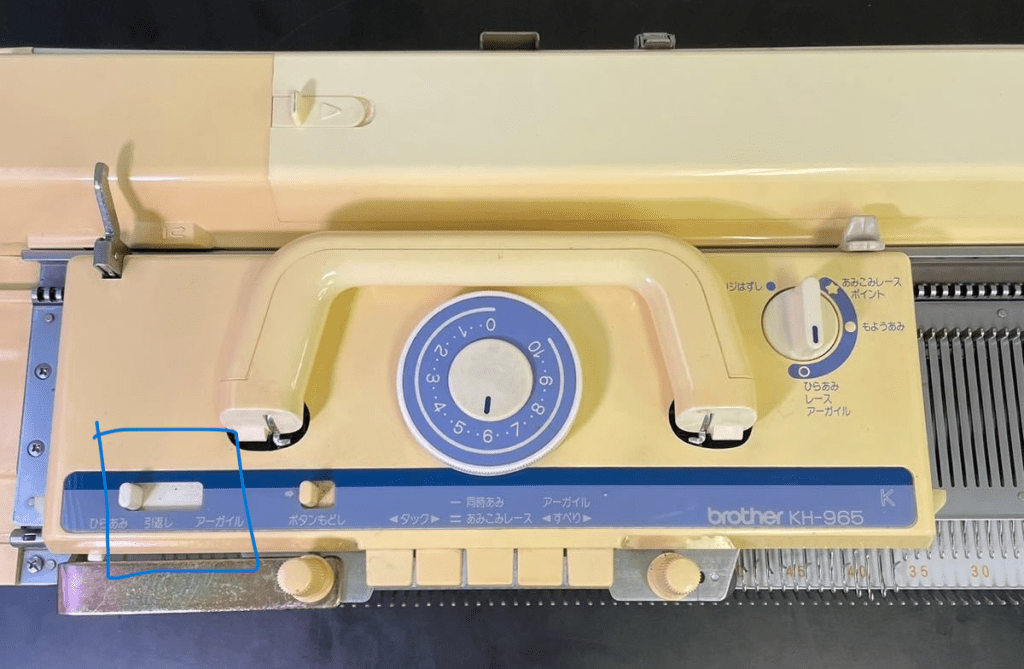
Another critical difference is the settings on the selection dial on the carriage. Brother KH965 does not have a KCII setting…

…unlike Brother KH965i.

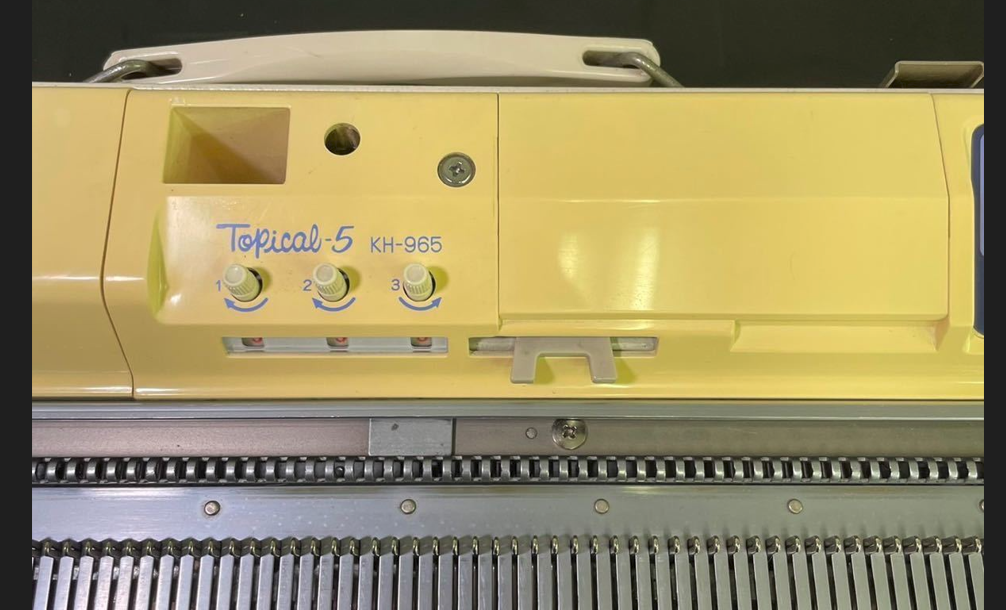
However, KH965 released to the Japanese markets (Topical-5) noticeably has also 4 positions on the selection dial, which probably implies KCI and KCII settings (Sorry – I would be more sure but I don’t read Japanese).

Thus, it seems that even if your KH965 does not have “i” next to its name, it might still have functionalities of the KH965i machine.

Thus, to identify whether you have a KH965 or KH965i, look for:

  • KCII option on the selection cam on the carriage (or four different options on that dial)
  • A port on the back panel of the machine.

All other functionalities of the KH965 and KH965i are the same (namely, memory, functions of the buttons on the panel, etc).

I really hope you are a lucky knitter who has Brother KH965(i) in their collection!

First steps of testing new-to-you ribber.

If you just purchased or snatched a ribbing attachment to your knitting machine, I can imagine how happy you are!

If your ribber came to you fully serviced and tested, you still need to learn yourself how to use it and attach to you machine. So, follow the steps below. However, if your ribber came to you AS IS, follow the steps outlined in my other article on how to clean and service it before you start the knitting tests.

  1. The first most important step is attaching your ribber to the main knitting machine bed. Your ribber manual is the best source for this. If you are a visual learner, there are plenty of youtube video on how to do it for your particular ribber.
  2. Before you even attach the ribber carriage, main carriage and the connecting arm together, you ABSOLUTELY have to make sure the distance between the main and ribber bed is the optimum. Too wide or too narrow distance between the beds will cause all kinds of problems: yarn is not latching onto the needles, resulting in dropped stitches, grinding noise, difficulties to move the carriage, bent latches, etc. for Brother knitting machines, the best manual that explains how to do it is for the Brother KR810 ribber (available online, just Google it). There are also a lot of YouTube resources on how to establish the optimum distance.
  3. Check all magnets on connecting arm and carriages to make sure nothing got stuck to them.
  4. Once you are satisfied with the distance, make sure the connecting arm is attached to the main carriage properly. (Poorly attached connecting arm will manifest itself in dropped stitches, grinding noise, difficulties in moving in one or both directions, damaged needles or needle latches). Follow manual instructions to the dot. Once you attached the connecting arm to the main carriage, run through the needles (no yarn) to make sure nothing is touching the connecting arm. Start with 20-30 needles and if everything is good, add another portion of 20-30 needles, and so on.
  5. Attach the ribber carriage (unless you have a vintage, earlier model, of ribber, in which case you don’t need to do that) to the connecting arm/main carriage assembly. Again, follow instruction to the dot. Then run again the carriage assembly through just the ribber needles. For this purpose, only bring 20-30 needles to working position and run the carriages through. If everything seems smooth, add another section of 20-30 needles, and so on.
  6. Start knitting on a small swatch. Start with 1×1 rib on every other needle. (When setting up the ribber and knitting the first cast-on rows, it is extremely important to move the needles to the B working position as close as possible. Otherwise the carriage might bend the latches.) Use very thin yarn at first. Preferably the yarn that is no prone to static. (Quick side note on how to check the static of the yarn: bring a small strand of yarn to the crack between the beds and if the yarn sticks to one of the beds, yep, you probably have static. Change the yarn or apply wax). Do not use cotton yarns. Thin smooth acrylic yarn should work. Starting with the very thin and smooth yarn will prevent you from having problems related to JUST yarn: static, tension, friction if yarn has texture. (Please, do not think that knitting swatch is a waste of your yarn or time. There are several learning opportunities. For example, you will also learn how to choose the right tension for the yarn you chose, practice transferring the stitches (by hand or using a transfer carriage), whether there is static with this yarn, etc.) Follow the cast-on and knit instructions to the dot. Knitting just a small swatch will let you 1) check whether all buttons and functions move freely on the ribber carriage and 2) master the cast-on procedure.
  7. Knit on a full bed using the yarn you had success on with the swatch. Start with the 1×1 rib on every other needle. I do not recommend knitting on ALL needles on the ribber – leave 1-3 on each end in non-working position. It will be easier to attach wire-weight-hangers and will also ensure you all stitches are knitted before the carriages returns in the opposite direction. Knitting on the full bed will show you whether all needles function well (If a needle is bend, misaligned, or has a sticky latch, stitches will not form properly. You might also see dropped stitches, tucked-stitches or lots of pull stitches. ) And also discover (if any) additional problems with the setup. (All minor problems not seeing while knitting the swatch might manifest in a full bed in a more pronounced way). The panels knitted on the full bed during your tests can be converted to hats (knit 100-120 rows for one-layered hat with a brim and 200+ rows for a double-layered hat). During your tests on a full bed you’ll also learn how to hang and rehang the wire-hangers with weights to ensure nice edges, how to recognize dropped stitches, how to catch dropped stitches on the very ends of the panel and what to do to prevent them, etc. Knitting on a full bed when you are just starting is a whole new game.

Let me know how the first test went!